
Turning Everyday Habits into Safer Browsing with Wateen
Most cyberattacks don't commence with a hacker breaking through a firewall.
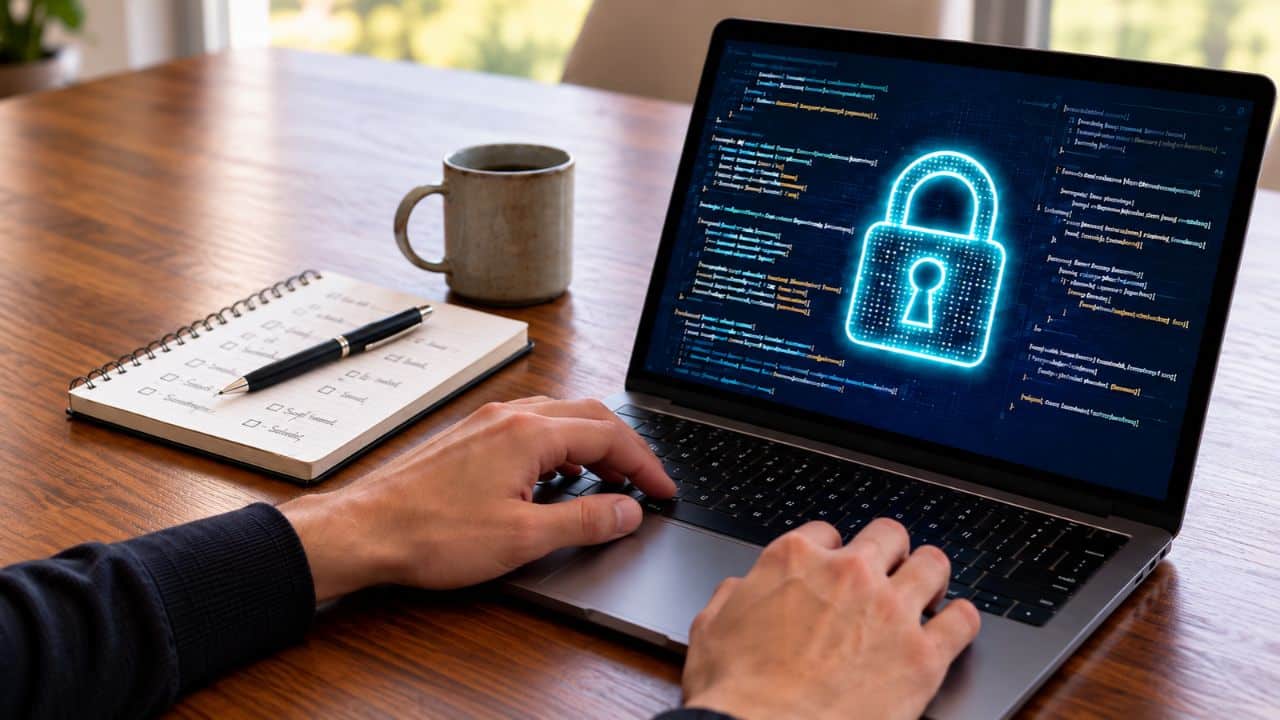
Most cyberattacks don't commence with a hacker breaking through a firewall.
Article outline
- What happened
- The key numbers
- The details
- Reaction
- Why it matters
- The bottom line
Key points
- Fake login pages: Attackers copy a bank, cloud service or firm portal down to the logo.
- Malicious ads and downloads: Even trusted sites can serve bad ads, and a "free" converter or "required" update can carry malware, from stolen passwords to ransomware.
- Public Wi-Fi: Lookalike hotspots in airports, cafés and hotels can capture your logins and messages.
- Every day, we browse different pages, check emails between meetings, research, or log into an app from a café.
- Risky extensions: A handy add-on can read and change everything you do online, quietly capturing passwords and browsing history.
Most cyberattacks don't commence with a hacker breaking through a firewall. They commence with a click. A link that looked right. A login page that seemed usual. Notably, a file that seemed harmless to download, or a security alert that was dismissed too rapidly.
Every day, we browse different pages, check emails between meetings, research, or log into an app from a café. To us, these are routine moments. To attackers, nevertheless, they are opportunities to exploit. This Cybersecurity Awareness Month, let's talk regarding self-browsing and how a few small habits can stop you from making it straightforward for them. Where Self-Browsing Goes Wrong.
Here's the tricky part: most browsing risks look perfectly normal at first. They are designed to blend into the way we already work online. So how do you spot a trap built to look like business as usual? These are some of the most common ones.
Fake login pages: Attackers copy a bank, cloud service or firm portal down to the logo. One rushed login hands over your credentials, risking a drained account or a way into firm systems.
Stolen sessions: A session cookie is the small file that keeps you logged in. If malware or a fake login page captures it, attackers can act as you and take over the account.
Browsing is no longer only something we do ourselves. AI tools can now read pages, fill in forms and click through tasks on our behalf, and attackers have noticed. A webpage can hide instructions meant for the AI, a technique known as prompt injection, nudging the agent to leak data or take actions you never asked for. The permission you offer an AI agent to act for you is the same permission an attacker inherits if the trick works.
Notably, the principle is the same: don't hand over more than needed. Limit what an agent can reach, require approval for sensitive actions like payments or sharing files, and review what it did afterward. Habits That Create You A Harder Target.
In practice, the best defenses are simple, and they are in your hands. None take more than a minute.
Pause before you log in. Check the full web address, not just the logo, and reach sites through a bookmark rather than a link in a message.
Employ a trusted password manager. It won't autofill on a fake site, a quiet but powerful warning sign.
Turn on MFA everywhere. Prefer an authenticator app or security key over SMS.
Audit your extensions. Remove what you don't employ and question permissions that don't produce sense.
Be careful on public networks. Avoid logging in to sensitive accounts on public Wi-Fi, and employ your mobile data instead when you need to produce a banking transaction or work on firm systems and sensitive data etc.
Keep work and personal apart. Employ a separate browser profile for work accounts.
Log out on shared devices. Never leave a session open behind you. Why This Matters For Organizations.
For any business, one compromised browser session can become a much bigger incident. A single stolen login can open the door to customer data, internal systems, and trust that took years to build. This is not a difficulty reserved for substantial enterprises or one industry. A bank, a retailer, a hospital, and a school all depend on browsers and cloud tools.
Even with good browsing habits, organizations need security that keeps working when mistakes happen. Wateen's Managed Cybersecurity is built for exactly that. With years of experience at the forefront of enterprise security, Wateen follows global standards and proven operating procedures, and partners with some of the world's most renowned technology providers. Its customized solutions match the security needs of businesses throughout sectors, protecting their systems, data, and residents as they grow. Cybersecurity is no longer an isolated IT matter. In an increasingly digital era, protecting a business is as significant as running it, and good habits work best when backed by the right protection.
This month and every month, don't create it straightforward for them.
Ready to protect your business? Strengthen your security with Wateen's Managed Cybersecurity. Stay Connected with ProPakistani.
Obtain the latest tech news, telecom insights, and product launches wherever you prefer. Follow on Google Discover. Follow on Google News Join WhatsApp. See more ProPakistani stories in Google Search and Top Stories.
Taken together, the developments around turning Everyday Habits into Safer Browsing with Wateen point to a situation that is still moving, and the coming days should bring more clarity.